
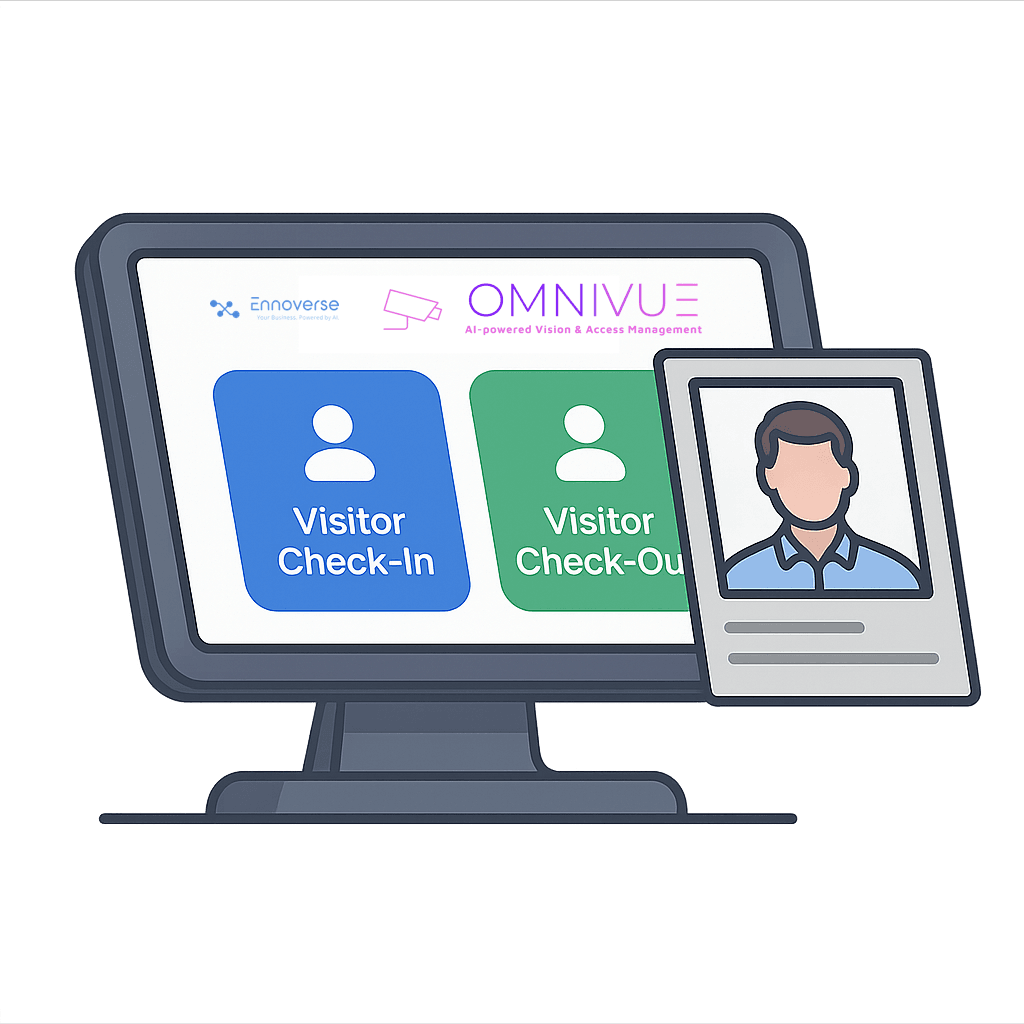

Omnivue Visitor Management
Register in seconds, approve with one tap, and issue QR passes— backed by facial recognition at the gate.
Runs on on-prem, Edge Lite, or cloud. No rip-and-replace.
Visitors In, Risk Out
Replace clipboard chaos with a secure, auditable flow that guests actually like.
Fast Registration
Self-serve pre-registration or guard-led capture at entry.
QR & Face Passes
Issue time-bound QR passes; verify with facial match on arrival.
One-Tap Approvals
Host or security approves with context and notes.
Contractor Control
Recurring contractors with expiry, site limits, and schedules.
Audit & Evidence
Every approval and entry logged with images and confidence.
Privacy by Design
Consent flows, retention controls, and on-prem options.
Core Visitor Flows
From Invite to Entry
- • Pre-register guest with name/phone; send QR via SMS/email.
- • On arrival, guard scans QR or searches phone/ID.
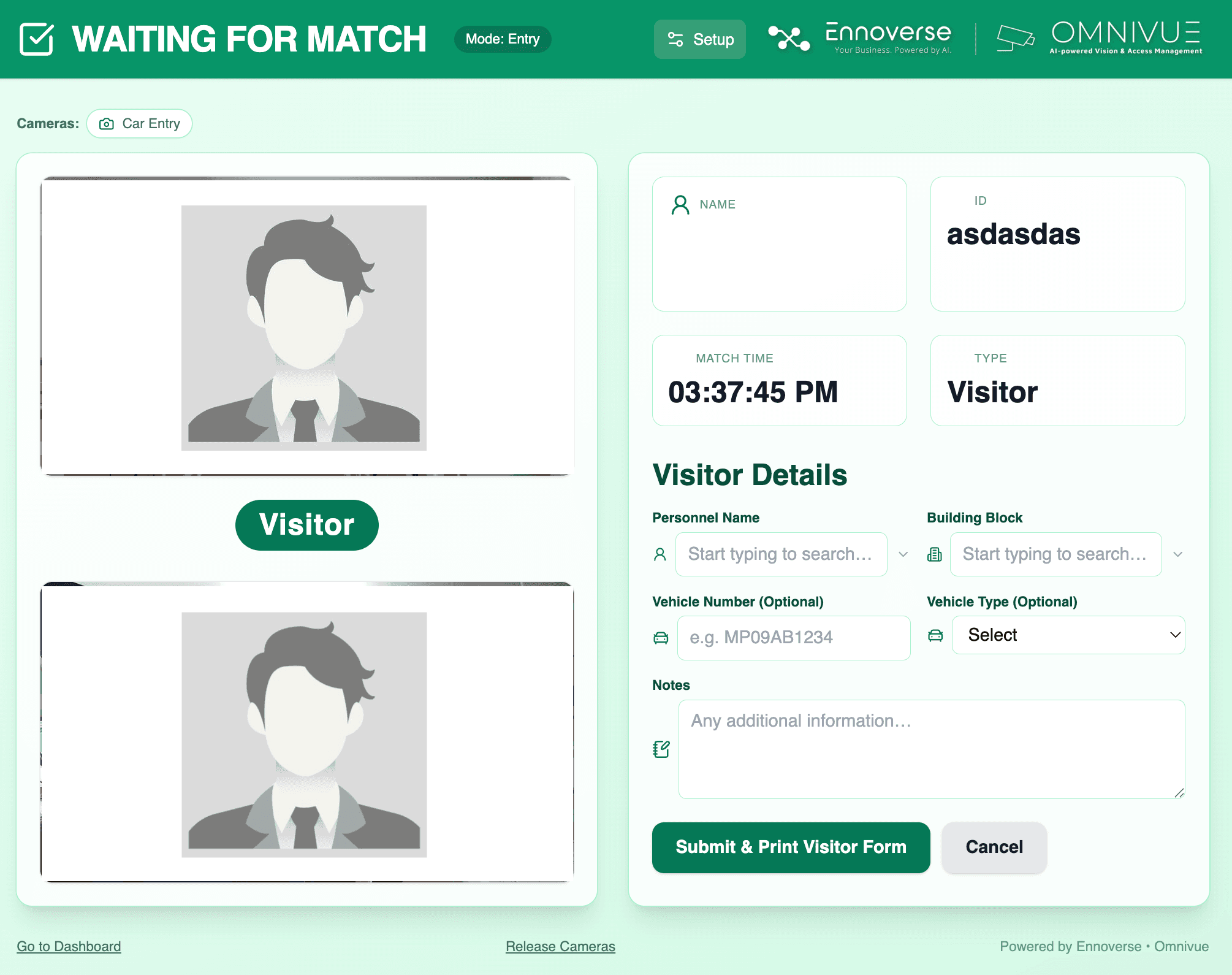
- • Facial match verifies person; host/security approves with one tap.
- • Badge/PDF generated automatically with validity and location.
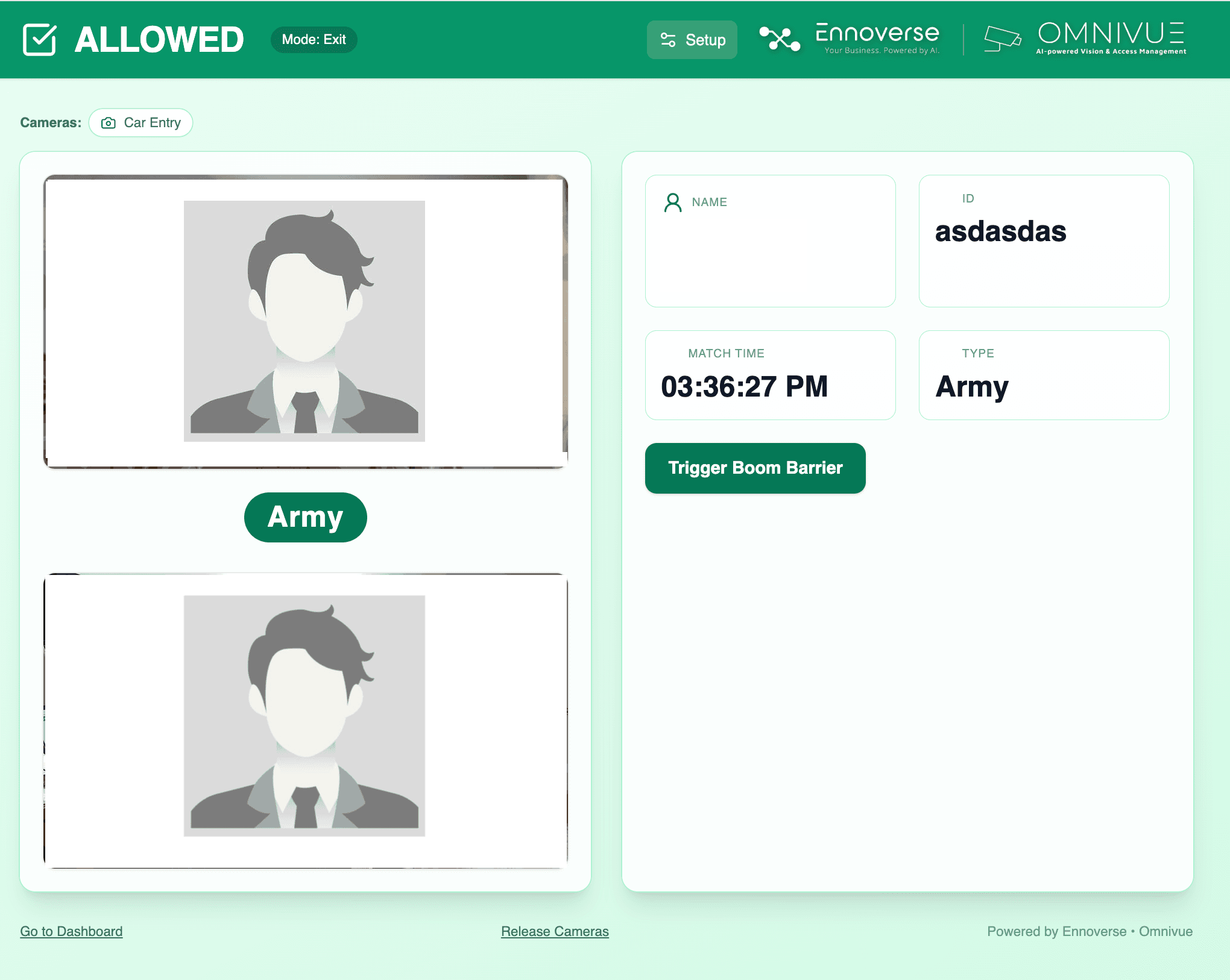
- • Exit logged on scan; all actions in a single audit trail.
Extensions
Contractors, Deliveries, VIP
- • Recurring contractor permits with expiry and site limits.
- • Delivery & ride-hailing as one-time, time-boxed passes.
- • VIP & frequent guest whitelists for frictionless entry.
- • Incident notes & attachments tied to a visitor record.
Product Screens
Approvals, passes, and entry verification—simple for guards and secure for you.
How It Works
Keep everything on-prem with Edge Lite or manage centrally—your call.
Invite
Create an invite from admin or host; share QR by SMS/email.
Arrive
Guard scans QR or searches, then captures/validates details.
Verify
Facial recognition + rules (host, time, location) confirm access.
Issue
Badge/PDF is generated; entry event created with images & notes.
Exit
Scan at exit logs departure; reports ready for audit/export.
Privacy & Consent
Configure consent prompts, retention windows, and data minimization per site or region. Store biometric templates fully on-prem if required.
- • Role-based access to sensitive data
- • Redaction and export on request
- • Region-specific retention policies
Operations & SLAs
Guard tablets, desktop consoles, and API webhooks keep your operations smooth. Optional downtime alerts and health checks.
- • Guard-friendly UIs with quick actions
- • Approver notifications and escalation
- • System health and camera feed monitoring
FAQ
Do visitors need a mobile app?
No. QR can be delivered by SMS/email and scanned at the gate. Walk-ins can be created by guards.
What if a visitor forgets the QR?
Search by name/phone/ID and verify with facial match. Manual overrides are logged with reason.
Can approvals be delegated?
Yes. Hosts, reception, and security can approve based on roles and schedules.
How long are records kept?
Configurable. Set retention per site/region; export or redact on request.
Ready at Your Gates
See Visitor Management live
We’ll map your entry points, approval rules, and privacy needs—then recommend on-prem, edge, or cloud setup.